Design
building sustainable digital workflows

- 01Input06
- 02Geometry03
Building, organising, and controlling 3D form and computational logic.
- 03Optimization04
- 04Output07
How to model faster and speed up your workflow?
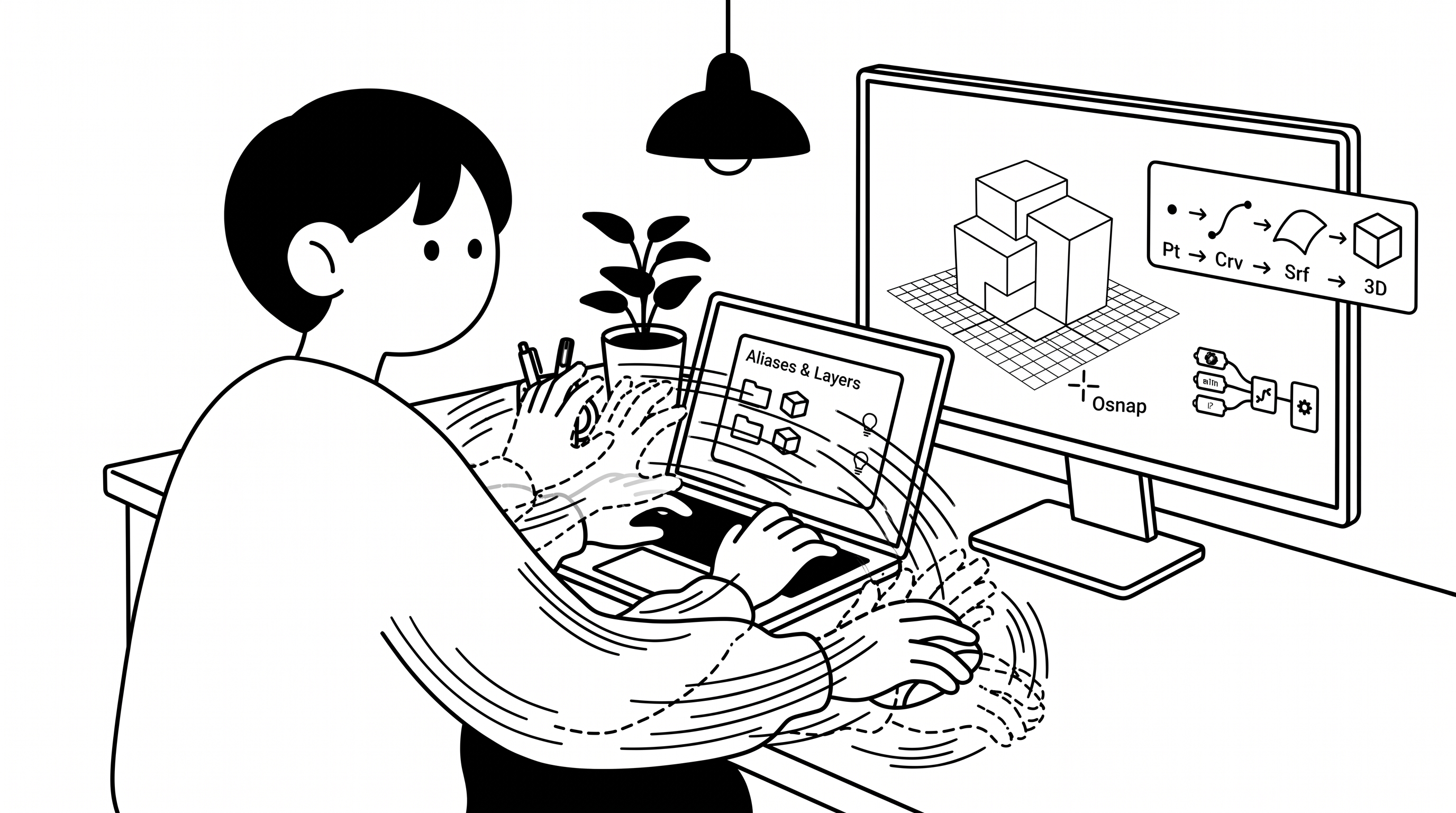
Shortcuts help, but the real time-saver is avoiding repetition. Build habits that let the software do the repetitive work for you.
Shortcuts & Commands
Typing a command or pressing a shortcut is much faster than searching through menus. Start with the commands you use every day.
You may notice:
- You spend more time searching menus than modelling
- You click through the same toolbars again and again
Aliases, Macros & Scripts
Repeating the same steps? Automate them. An alias is a short name for a command, a macro runs several commands in one go, and a script or Grasshopper definition can rebuild a whole pattern when you change one value.
You may notice:
- You repeat the same sequence of commands many times
- A small change to a repeated pattern takes hours to redo
Search for
Geometry Logic
Points, curves, surfaces and solids are built from one another — and can be taken apart again. Instead of redrawing, extract what you need, e.g. the edges of a surface with DupEdge.
You may notice:
- You redraw curves that already exist as edges
- You don't know which command turns one geometry type into another
Search for
Tutorial
No video yet
Layers, Blocks & Groups
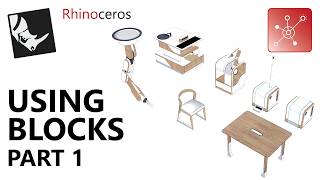
Layers sort objects by type, groups keep parts together, and blocks let you change one repeated element and update every copy. Set this up early and you can select, hide or edit many objects at once.
You may notice:
- The file is a mess of unnamed objects on one layer
- Changing a repeated element means editing every copy
Selection & Precision
Save selections you reuse (Named Selections), zoom straight to what you are editing (Zoom Selected), and let the construction plane (CPlane) and object snaps (Osnap) keep your lines accurate.
You may notice:
- You keep re-selecting the same objects
- You lose time panning to find the part you are editing
- Lines are drawn on the wrong plane or miss their endpoints
Search for
Tutorial
No video yet