Design
building sustainable digital workflows

- 01Input06
Bringing external information, references, and site data into the modelling environment.
- 01.01How to set up files for a smooth workflow?
- 01.02How to organise your model with layers?
- 01.03How to set up your computer for working?Upcoming
- 01.04How to choose the right software for the job?
- 01.05How to import terrain and geographic data?Upcoming
- 01.06How to clean up messy imported files?Upcoming
- 02Geometry03
- 03Optimization04
- 04Output07
How to choose the right software for the job?
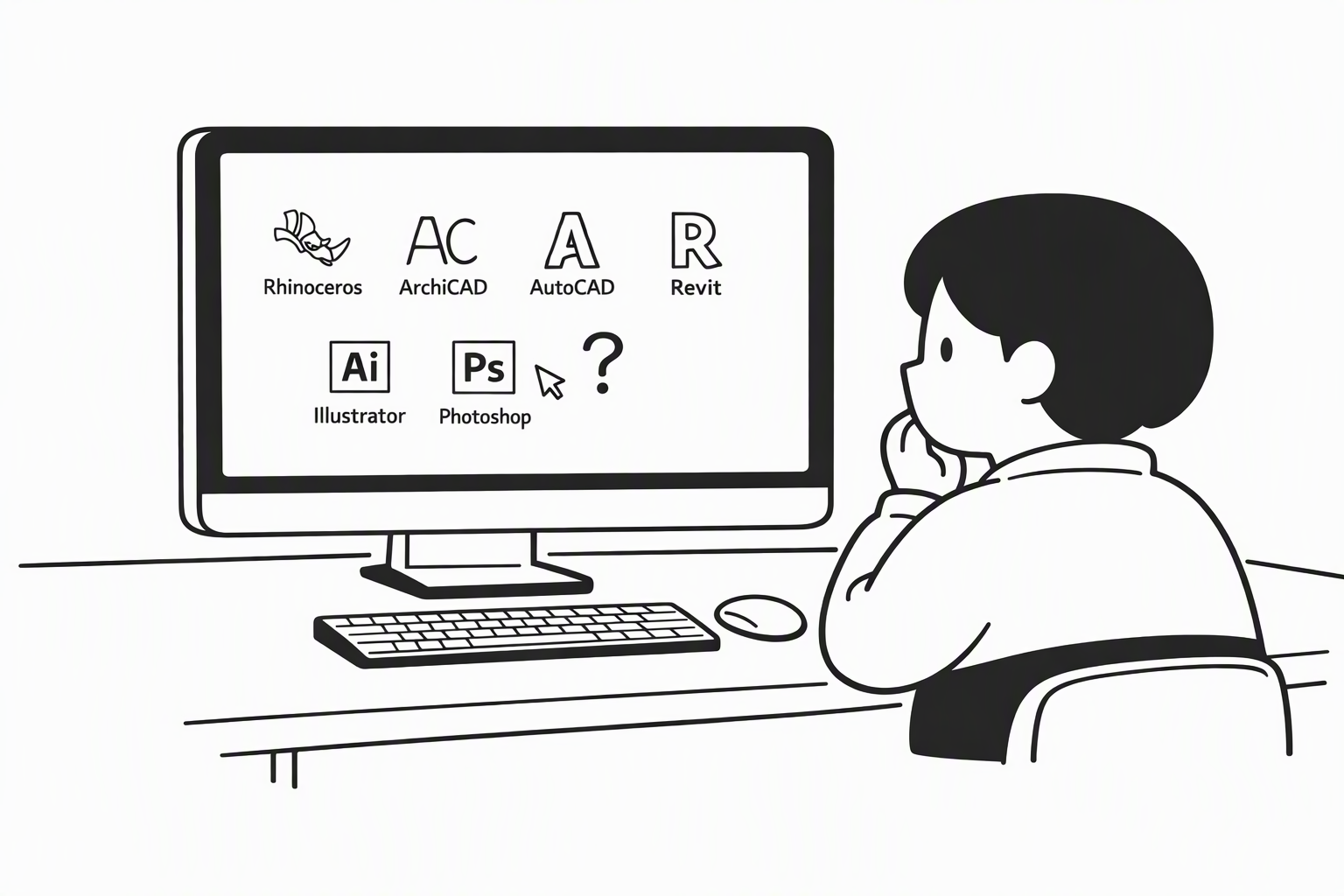
Don't start with the software — start with what you need to produce: a model, drawings, images or a physical object. Most projects use several programs, each for what it does best.
3D Modelling
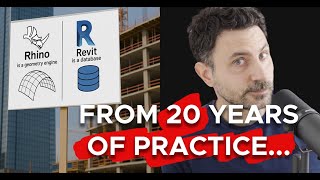
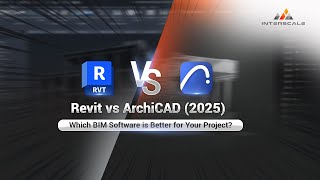
Rhino models with NURBS (exact, smooth curves); mesh tools like Blender build shapes from small flat faces. Revit and ArchiCAD (BIM) model walls, slabs and windows as building parts with data — slower to start, but plans and lists come almost for free.
You may notice:
- Your curved shape is almost impossible to build in the program you picked
- Curved surfaces look faceted, like they are made of small flat pieces
- You need room areas or a door list, but your model can't give you one
Search for
- C(concept)NURBS vs. mesh(search Google, opens in a new tab)
- C(concept)Building Information Modelling (BIM)(search Google, opens in a new tab)
- L(logic)Parametric object(search Google, opens in a new tab)
- T(tool)Rhino(search Google, opens in a new tab)
- T(tool)Revit(search Google, opens in a new tab)
- T(tool)ArchiCAD(search Google, opens in a new tab)

Technical Drawings
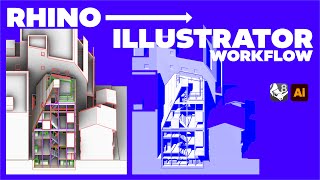
In Rhino you extract drawings from the model (Make2D) — after every design change you edit the model and repeat the whole export. In Revit and ArchiCAD, drawings are live views of the model and update by themselves, but they need more setup first.
You may notice:
- After a design change, the section no longer matches the plan
- You repeat the same export steps after every small change
Search for
Rendering
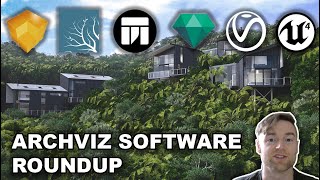
Real-time renderers (Enscape, Twinmotion, D5) show results instantly and suit design reviews; ray-traced engines (V-Ray, Rhino's Raytraced view) are slower but more realistic. Most final images get a last touch in Photoshop.
You may notice:
- One image takes hours to render
- Your renders look flat, like plastic
Search for
- C(concept)Real-time rendering(search Google, opens in a new tab)
- L(logic)Ray tracing(search Google, opens in a new tab)
- T(tool)Enscape(search Google, opens in a new tab)
- T(tool)Twinmotion(search Google, opens in a new tab)
- T(tool)V-Ray(search Google, opens in a new tab)
- T(tool)Photoshop(search Google, opens in a new tab)


Digital Fabrication
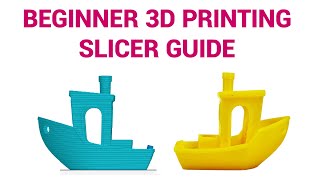
Laser cutters need clean, flat 2D lines; 3D printers need a closed mesh that a slicer (e.g. Cura, PrusaSlicer) cuts into layers. Rhino is the usual starting point for both, with Grasshopper for repeated or parametric parts.
You may notice:
- The laser cutter cuts some lines twice or skips them
- The printer software says your model has holes
Search for
Presentation & Layout
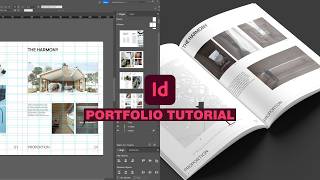
Boards and portfolios combine drawings, images and text. Lay out pages in InDesign, keep line drawings and diagrams as vectors in Illustrator, and edit images in Photoshop — each does one job best.
You may notice:
- Your portfolio file in Photoshop becomes huge and slow
- Text and lines look blurry in the exported PDF