Design
building sustainable digital workflows

- 01Input06
- 02Geometry03
- 03Optimization04
The bridge phase: file weight, translation between software, and computational performance.
- 04Output07
How to fix broken meshes and naked edges?
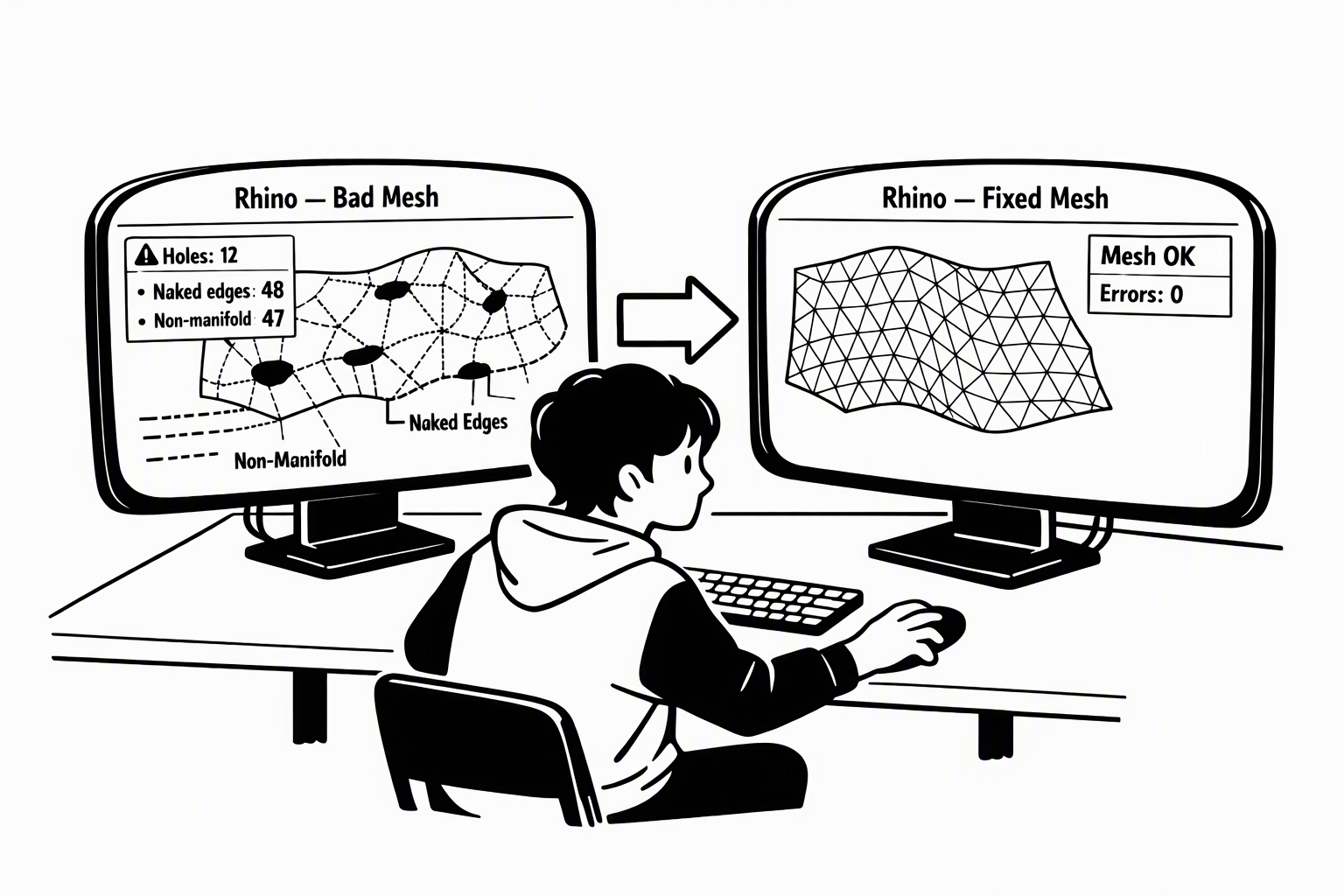
A broken model often looks complete, but 3D printers, Booleans and volume tools refuse to work with it. Understand where the gaps come from, find them, then repair — or rebuild.
Open vs. Closed
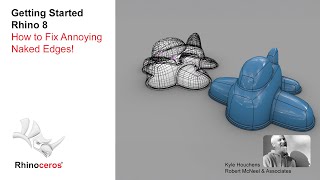
A closed (watertight) object has no holes, like a sealed box. Gaps appear when edges miss each other by more than the tolerance — often after a failed Join or Boolean, or in imported and scanned meshes.
You may notice:
- Rhino calls your box an open polysurface, not a closed solid
- Volume or Boolean fails although the object looks complete
Diagnose First
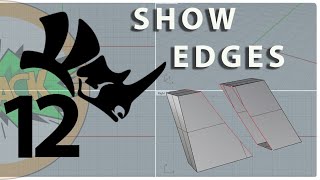
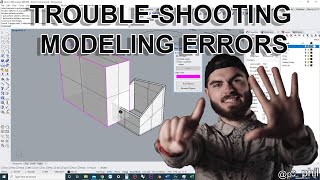
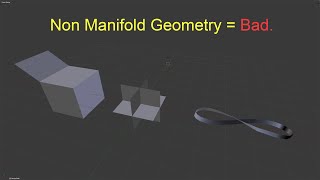
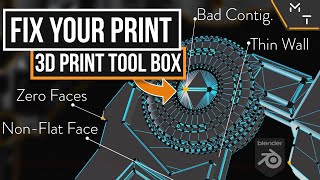
In a sound object every edge joins exactly two faces: one face means a hole (naked edge), three or more a non-manifold edge. Highlight them (ShowEdges) before fixing, and let a check tool list the rest.
You may notice:
- You know the object is open, but can't find the hole
- The model looks fine, but the printer software reports errors
Search for
Repair or Rebuild
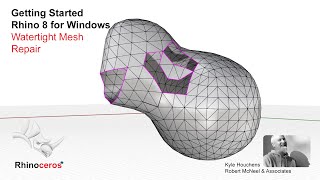
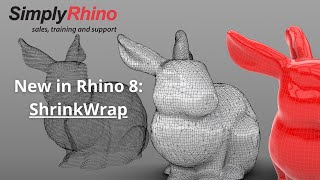
Small gaps can be closed: join edges, fill holes, or let a repair tool guide you. When a mesh is full of errors, rebuild instead — ShrinkWrap wraps a new, closed mesh around the old shape, like plastic film.
You may notice:
- Fixing one hole creates two new problems
- An imported or scanned mesh has hundreds of holes