Design
building sustainable digital workflows

- 01Input06
- 02Geometry03
- 03Optimization04
The bridge phase: file weight, translation between software, and computational performance.
- 04Output07
How to reduce file size and stop software from lagging?
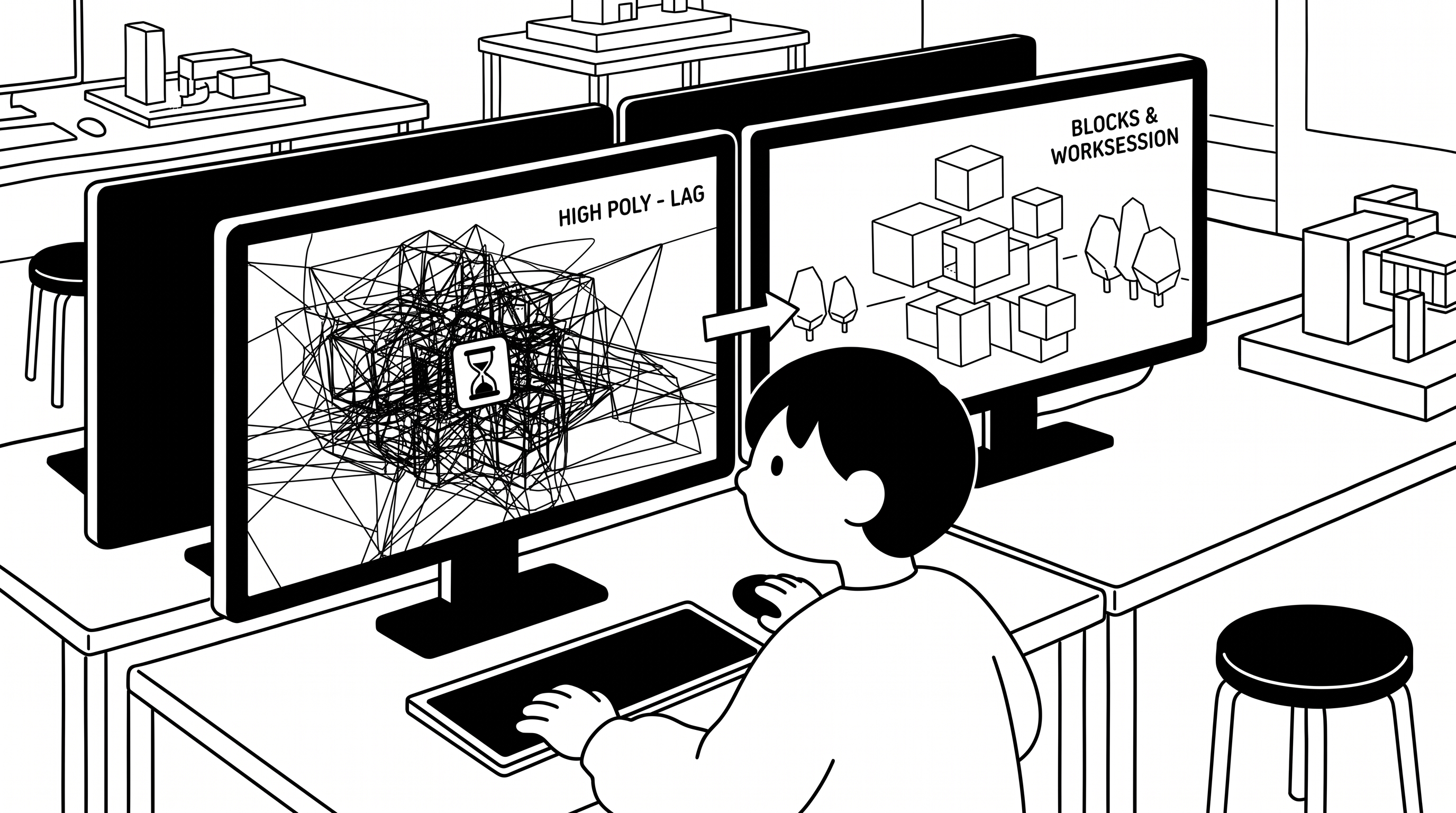
As a project grows, files fill up with unnecessary geometry and heavy textures. Keeping them lean prevents crashes and lag, and makes working in a team much easier.
Clean Up Your File
Deleting objects doesn't always shrink the file: unused layers, block definitions and materials stay behind, and hidden objects still count. Purge removes what is unused; SaveSmall saves without display data Rhino can rebuild.
You may notice:
- File size keeps growing even after deleting objects
- Saving and opening the file take a long time

Split Large Models with Worksessions
Instead of one huge file, link several smaller files in a Worksession. Each person edits their own file and sees the others' parts as locked references, so the main file stays light.
You may notice:
- One giant file that everyone needs to edit
- Only one person can work on the model at a time

Reuse Geometry with Blocks
A block stores a repeated object only once; every copy is just a reference to it (an instance). A hundred identical chairs then take up barely more space than one.
You may notice:
- The file grows with every copied element
- Updating a repeated element means editing every copy
Search for
Tutorial
Simplify Imported Assets
Downloaded models and textures are often far more detailed than you need. Reduce them first — fewer mesh faces (ReduceMesh), smaller texture images — then bring them into your main file.
You may notice:
- The file gets heavy right after importing a downloaded model
- The viewport lags after adding textures
NURBS vs. Mesh
NURBS are precise and editable but heavy; meshes are made of small flat faces and display faster. Keep NURBS for what you are designing, meshes for reference objects, and low-poly meshes for distant context.
You may notice:
- The viewport lags when the site context is visible
- Background objects slow the model down as much as your design
Search for
Tutorial
No video yet